
Google Local Service Ads Cost and Missed Call Charges
Serving one customer should not mean losing the next one.
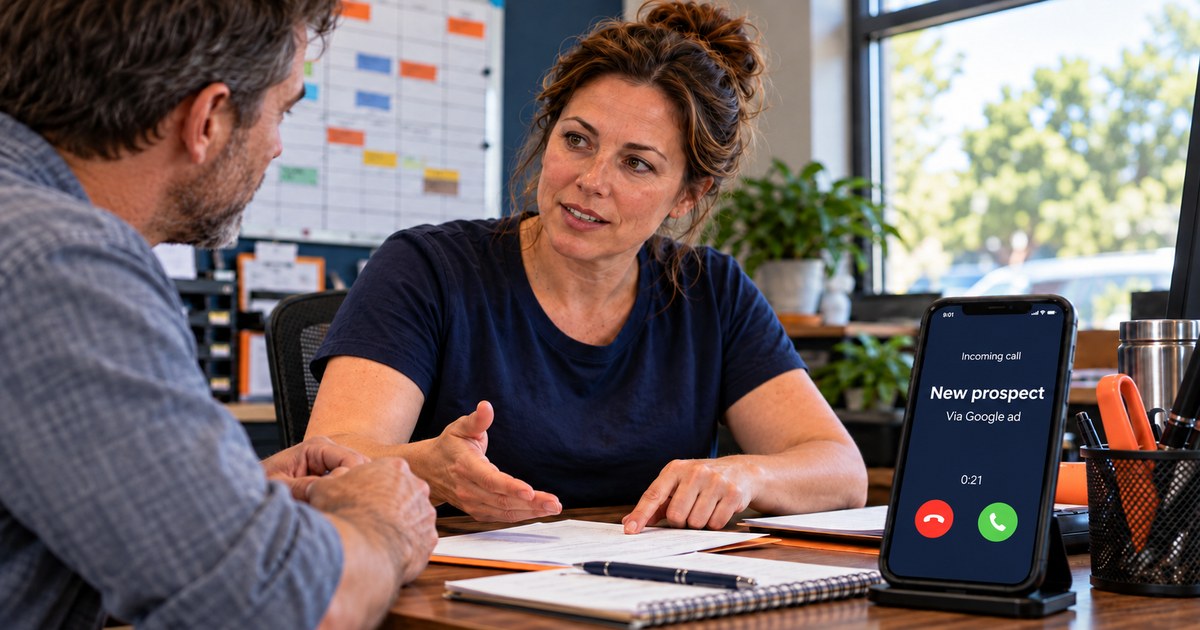
Under Google’s announced October 1, 2026 billing update, some unanswered Local Services Ads calls during business hours also qualify as paid leads when the caller stays on the line for more than 20 seconds. Exceptions apply.
For businesses reviewing Google Local Service Ads cost, the change is about which calls become billable. Your call coverage now deserves the same attention as your advertising.
What Changed
Google calls these Local Services Ads; many owners say Local Service Ads. They are the same thing. With these ads, you pay for valid leads: customer inquiries through your ad, such as calls, messages or bookings.
This update changes which calls can be billed. It does not announce an increase in the price per lead. A missed business-hours call can now be billed even if nobody at your company spoke to the caller.
Who This Affects and Why
This affects businesses that run Google Local Services Ads.
Two common advertising options bill differently:
Standard Google Search ads generally charge for clicks.
Local Services Ads charge for valid customer leads. Google determines which contacts qualify.
This is a billing rule within Local Services Ads. It does not apply to businesses using only standard Google Search ads.
Not every business is eligible for Local Services Ads. Google offers them to specified business categories and locations, with screening requirements that vary by category. In the U.S., eligible categories include home services, medical and dental practices, law firms, auto repair, veterinarians, salons, financial and tax professionals, and more.
If you are unsure which ads you run, check your campaign type and billing details. Local Services Ads use a pay-per-lead model.
If you use standard Google Ads and lead quality is the problem, read why Google Ads keeps sending low-quality leads.
The Rules and the Exceptions
The new billing details below come from Google’s notice emailed to advertisers, as reported by Search Engine Roundtable and PPC Land. Google’s existing help page provides the separate valid-lead criteria discussed below.
1. The 20-second rule. A missed call during business hours can be charged when the caller stays on the line for more than 20 seconds, subject to the announced exceptions.
2. The key-press rule. If your phone system requires callers to press a key to reach the relevant department, the timer starts after that selection. Under this rule, callers who do not press a key to be routed are not charged.
3. The follow-up rule. If the initial call was not charged, a subsequent interaction that meets Google’s valid-lead criteria can be. Google’s Ads Liaison clarified that qualifying follow-ups within 15 days of the initial interaction are charged only once, as reproduced by Search Engine Roundtable. A qualifying interaction after that window can generate a new lead.
Some missed calls were already billable. Google’s How leads work page lists a customer voicemail as a valid lead. A missed call can also become billable through a qualifying follow-up—for example, when you return the call and speak with the customer or leave a voicemail.
The announcement also describes additional protections against spam and robocalls. Continue reviewing your leads rather than assuming every unwanted call will be filtered out.
What This Could Cost You
To estimate how this change affects your Google Local Service Ads cost, start with your call records.
Estimated additional monthly charges = newly billable missed calls × average charge per eligible call.
Review one month of unanswered Local Services Ads calls during business hours. Check their duration, phone-menu routing, voicemail status and follow-up history.
Calls lasting more than 20 seconds without a voicemail or qualifying follow-up are candidates for newly billable leads. Compare your estimate with actual charges before treating it as a confirmed increase.
The second cost is the opportunity you failed to capture.
Estimated revenue opportunity at risk = unrecovered missed sales inquiries × expected customer conversion rate × average sale value.
Count unique sales inquiries, not every repeat call. Exclude callers you recovered through a callback or another channel. This estimates potential revenue at risk—not guaranteed lost sales.
Why Missed Calls Hurt Small Businesses
You may have a receptionist, a dispatcher or your own cell phone. None can cover every interruption without backup.
Missed calls happen for ordinary reasons: the office is at lunch, the dispatcher is on another line, or you are meeting with a customer who deserves your attention. When demand spikes, several people may call at once.
A homeowner with a failed water heater, or a patient with a toothache, may call the next business rather than leave a message and wait.
You paid to create that opportunity. Your ability to answer determines whether you get a chance to win it.
Six Things to Check
1. Match your coverage to your listed hours. If your profile says open until 6:00 but nobody answers after 4:30, arrange backup or review your ad schedule. Keep your actual business hours accurate. After-hours contacts are not automatically free: Google says valid leads received outside business hours will not be credited.
2. Test how quickly calls get answered. Time your routing setup, including what happens when the main line is busy. Aim to connect callers promptly, with backup coverage before calls ring out.
3. Check your phone menu. Keep it short and make sure each selection routes callers to someone who can help. A menu that delays customers without connecting them does not solve the business problem.
4. Call back missed calls quickly. A qualifying follow-up can count as a paid lead. It also gives you a chance to recover the inquiry and win the customer.
5. Review charged leads weekly. Compare charges with call records and Google’s valid-lead criteria. Submit feedback on suspected poor-quality leads. Price shoppers and valid after-hours inquiries can still be billable.
6. Trim your services and service area. Remove job types and locations you do not serve. Accurate targeting helps reduce inquiries for work you would turn down.
Three Ways to Cover Calls While You Help Customers
When you are meeting with a customer, answering another call means interrupting them. Letting it ring risks losing the next customer. Reliable coverage helps you serve both.
| In-house receptionist | Answering service | AI receptionist | |
|---|---|---|---|
| Best fit | Relationship-heavy service and complex requests | Owners who prioritize live human coverage | Routine inquiries, booking, overflow and after-hours coverage |
| Coverage | Staffed hours; backup needed for breaks and absences | Extended or 24/7 coverage offered by some providers | Can provide 24/7 coverage |
| Simultaneous calls | Limited by available staff | A team can cover multiple calls | Can handle multiple calls within system capacity |
| Booking and qualification | Uses training and access to your systems | Choose a provider that supports these tasks | Configure booking rules, qualification questions and integrations |
| Main strength | Personal relationships, judgment and flexibility | A live person when your staff are unavailable | Handles routine inquiries while your team serves customers |
| Main limitation | Staffing gaps and competing duties | Business familiarity and capabilities vary | Complex or sensitive situations may require human judgment |
| Quality controls | Training, current information and call reviews | Clear instructions and provider oversight | Current information, testing, call reviews and escalation rules |
Compare total monthly cost at your actual call volume, including staffing, usage, setup and integrations. Choose coverage that can perform the tasks you need—not simply pick up.
An in-house receptionist offers relationships and judgment. An answering service provides live backup. Confirm who covers busy periods and whether they can qualify inquiries, book appointments and record details in your system.
An AI receptionist lets you keep serving the customer in front of you while handling the next inquiry. It can answer routine questions, collect details, qualify callers and book appointments when configured to do so.
Humans and AI can both misunderstand callers. Every option needs accurate information and quality checks. Review your AI receptionist monthly, update it immediately when business details change, and establish when it should hand a caller to a person. Staff can answer first, with AI or a service covering overflow and after-hours calls.
A conversation that meets Google’s valid-lead criteria can still be billable. Coverage gives you a chance to turn that paid inquiry into business.
The Two Numbers That Matter
Advertising cost per customer = Local Services Ads spend ÷ new customers acquired from those ads.
Revenue ROAS = revenue attributed to those customers ÷ Local Services Ads spend.
These measure advertising efficiency, not total acquisition costs or profit.
Consider a hypothetical example: 60 paid call leads at $50 each, totaling $3,000. Assume all 60 calls were billable and missed callers would have converted at the same rate as answered callers.
| Scenario | Calls answered | Customers won | Advertising cost per customer |
|---|---|---|---|
| 15 calls missed | 45 | 12 | $250 |
| Every call answered | 60 | 16 | $187.50 |
Same ads and same spend. In this example, answering every call lowers the advertising cost of each customer by 25%.
The improvement comes from converting more of the opportunities you already paid to generate.
Where SmartXperiences Fits
SMART Reception is built to answer calls around the clock, qualify inquiries and follow up on missed opportunities. See how it works.
With call tracking configured, you can connect inquiries to their marketing source and track which become booked jobs. Read how call tracking improves marketing ROI for more.
Request a free revenue assessment to identify where calls are being missed, estimate the opportunity at risk, and see whether your reporting connects paid leads to booked revenue.
Also changing: Google is moving Local Services Ads into Google Ads in phases through 2027. Historical performance reports will not move with your account, so save them before migration.
Questions About Call Coverage
Recent Posts
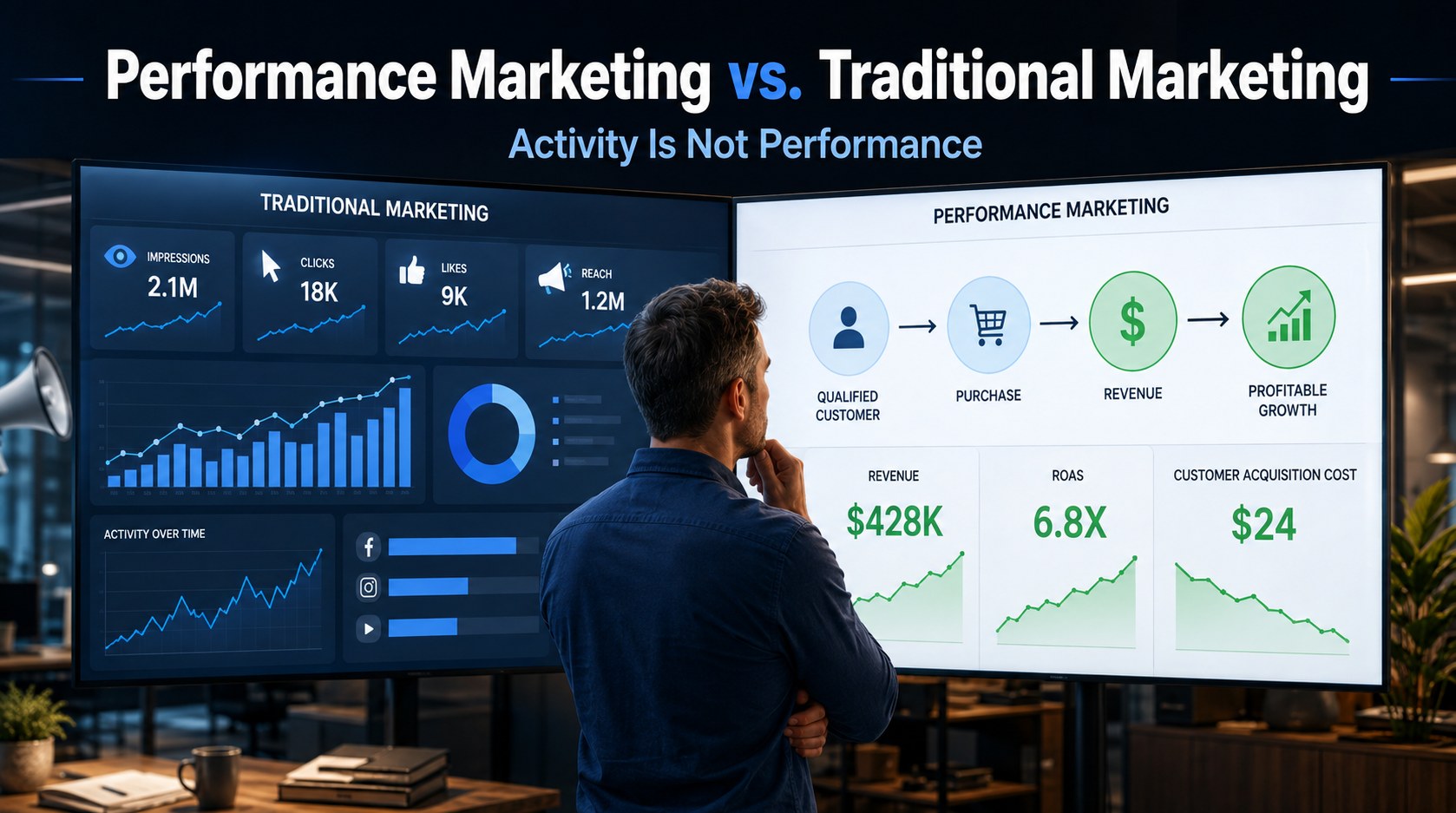

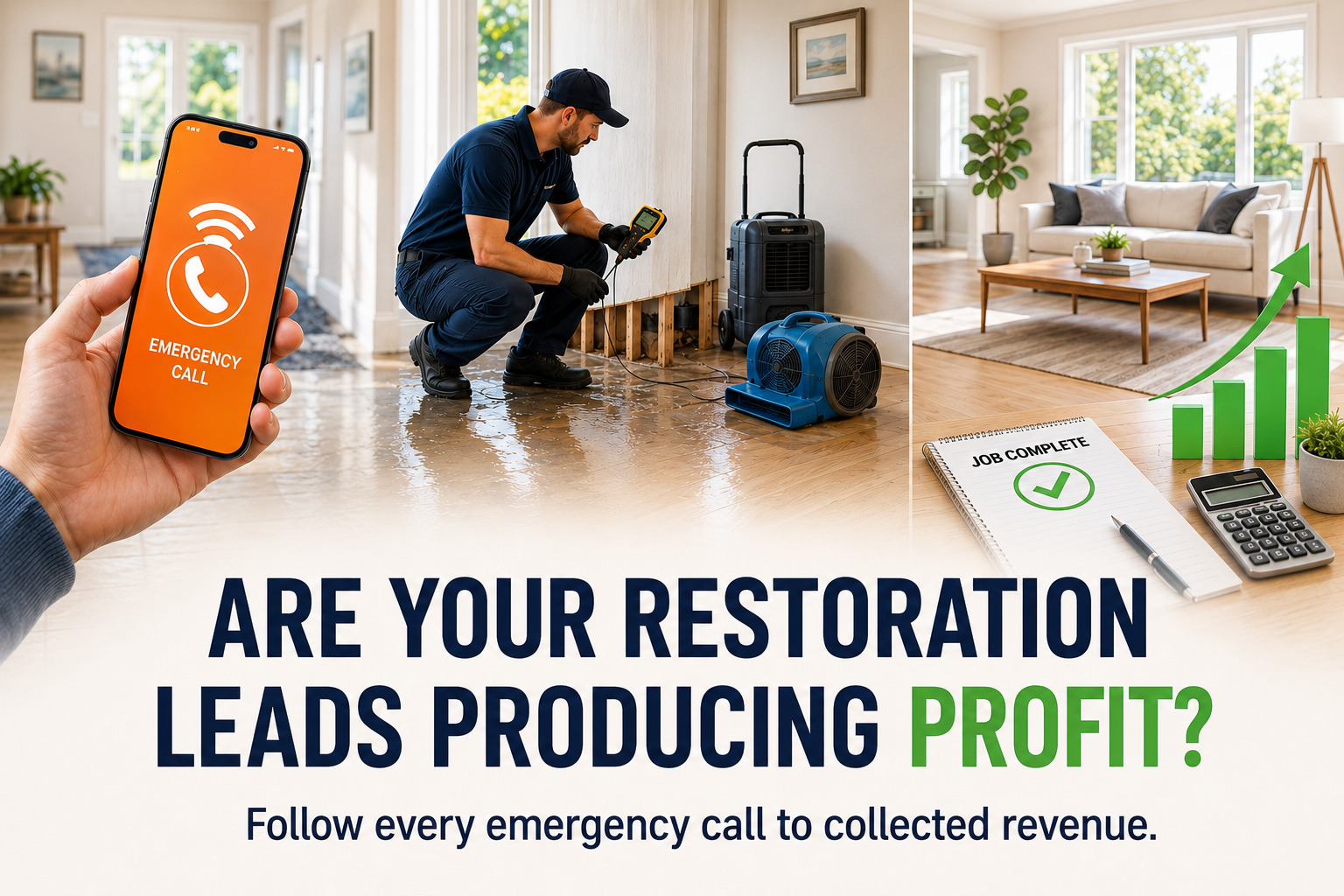
Ready to See Which Marketing Produces Customers?
Request a complimentary Revenue System Performance Assessment.
We’ll:
- Walk through how you’re currently attracting leads
- Highlight common gaps that impact conversion
- Give you the next step that will improve results fastest
No pitch. No pressure. Just clarity.